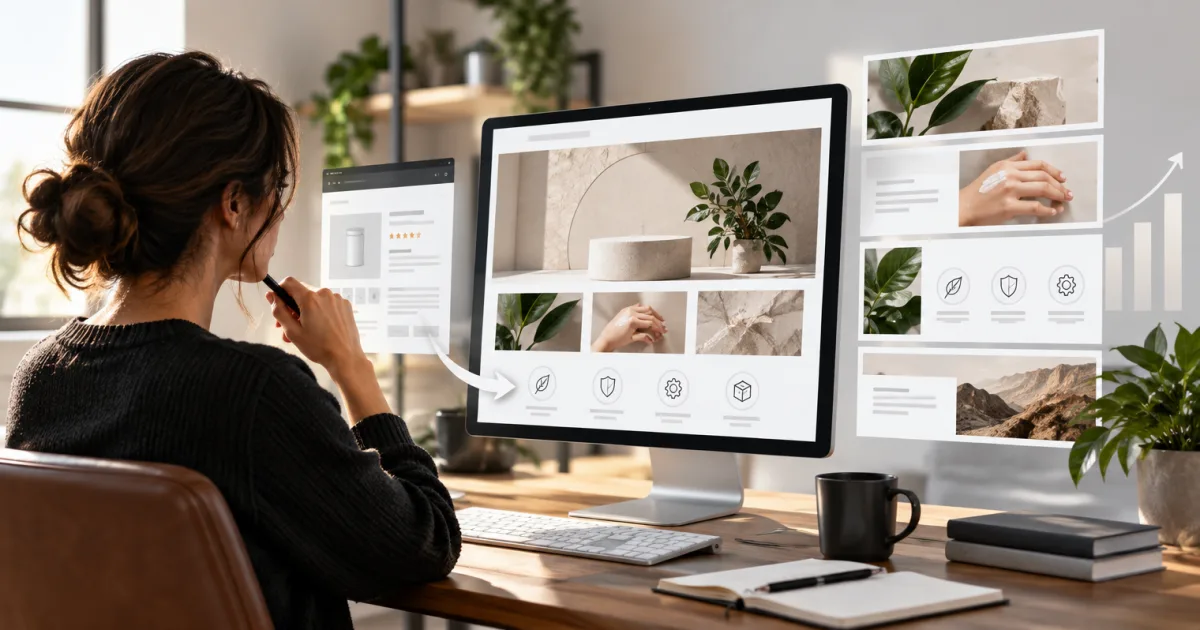
A Store image can meet Amazon’s minimum dimensions and still crop badly on a phone. The practical fix is to know which tiles support a separate mobile asset, keep important details away from crop zones, and preview the finished page on both screens.
What to know before you size your Store images
Amazon’s minimum dimensions depend on the tile type and size. Some image tiles allow a custom mobile image; the hero and logo don’t have separate mobile specs listed. Minimums are upload requirements, not a promise that every screen will show the whole image as you designed it.
Not every Store element needs an image file from you. Product tiles, product grids, best sellers, recommended products, and featured deals draw on product or offer data. You’ll still need product detail page images, but you don’t upload a separate Store image for each product tile.
Header images: hero and brand logo
The hero image sits at the top of each Store page. Amazon’s minimum is 3,000 × 600 px, with a 5 MB file limit. A logo needs to be at least 400 × 400 px and no more than 5 MB. Amazon doesn’t list separate custom mobile assets for either header element.
On some screens, as much as 30% of the hero image can be cropped, including 15% from each side. Keep the logo, product, and any other must-see details near the center. The edges are a poor place to hide your best work.
Image tiles and image-with-text tiles
Standard image tiles can be full width, large, medium, or small. They can link to a Store page or product detail page. You can optionally provide a separate mobile image; for full-width, large, and medium tiles, Amazon doesn’t set a fixed aspect ratio for that custom layout. The small tile’s mobile minimum matches its desktop minimum.
Image-with-text tiles have two layouts: text over the image, or text beside it. Amazon lists a minimum image size for each layout and tile size, but doesn’t list separate mobile image minimums for these tiles. Use the Store builder preview to check how the image and text sit together.
Shoppable images and video cover images
Shoppable image tiles place interactive product points over an uploaded image and can show up to six products. Amazon lists a 5 MB file limit for these images. It doesn’t list a custom mobile minimum.
Video tiles need both a video file and a cover image. The cover is the still image shoppers see before pressing play. Full-width, large, and medium video tiles have different cover-image minimums; the video itself has separate resolution and format rules. Background video tiles play silently and don’t need a cover image.
Complete Amazon Brand Store image-size table
Dimensions below are minimums unless marked as a recommendation. “Not specified” means Amazon’s Store guidelines don’t list a separate custom mobile minimum or file limit for that asset.
| Store element | Desktop minimum | Custom mobile minimum | Maximum file size | Notes |
|---|---|---|---|---|
| Header hero | 3,000 × 600 px | Not specified | 5 MB | Keep key details centered; as much as 30% may be cropped from the sides. |
| Header brand logo | 400 × 400 px | Not specified | 5 MB | Displayed in the Store navigation. |
| Image tile, full width | 1,500 × 20 px | 1,680 × 20 px | 5 MB | Amazon recommends 3,000 px image width for high-resolution display. A link title requires at least 32 px image height. |
| Image tile, large | 1,500 × 1,500 px | 1,680 × 20 px | 5 MB | Amazon recommends 3,000 px image width for high-resolution display. A link title requires at least 32 px image height. |
| Image tile, medium | 1,500 × 750 px | 1,680 × 20 px | 5 MB | Amazon recommends 3,000 px image width for high-resolution display. A link title requires at least 32 px image height. |
| Image tile, small | 750 × 750 px | 750 × 750 px | 5 MB | A link title requires at least 32 px image height. |
| Image with text, text over image, full width | 3,000 × 1,500 px | Not specified | Not specified | Text is placed over the image. |
| Image with text, text over image, large | 1,500 × 1,500 px | Not specified | Not specified | Text is placed over the image. |
| Image with text, text over image, medium | 1,500 × 750 px | Not specified | Not specified | Text is placed over the image. |
| Image with text, text over image, small | 750 × 750 px | Not specified | Not specified | Text is placed over the image. |
| Image with text, text next to image, full width | 1,500 × 1,500 px | Not specified | Not specified | Text sits beside the image. |
| Image with text, text next to image, large | 1,500 × 1,500 px | Not specified | Not specified | Text sits beside the image. |
| Image with text, text next to image, medium | 750 × 750 px | Not specified | Not specified | Text sits beside the image. |
| Image with text, text next to image, small | 750 × 750 px | Not specified | Not specified | Text sits beside the image. |
| Shoppable image, full width | 1,500 × 750 px | Not specified | 5 MB | 3,000 × 1,500 px is recommended for high-resolution display. |
| Shoppable image, large | 1,500 × 1,500 px | Not specified | 5 MB | |
| Shoppable image, medium | 1,500 × 750 px | Not specified | 5 MB | |
| Shoppable image, small | 750 × 750 px | Not specified | 5 MB | |
| Video cover image, full width | 3,000 × 1,500 px | Not specified | Not specified | Video minimum resolution: 1,280 × 640 px. |
| Video cover image, large | 1,500 × 1,500 px | Not specified | Not specified | Video minimum resolution: 640 × 640 px. |
| Video cover image, medium | 1,500 × 750 px | Not specified | Not specified | Video minimum resolution: 450 × 320 px. |
| Gallery image | 1,500 × 750 px | Not specified | Not specified | Gallery displays up to eight images in a full-width grid. |
| Background video | No static image required | No static image required | Not specified | Video only; minimum resolution 1,280 × 640 px. |
| Product, grid, best sellers, recommended products, featured deals | No separate Store image specified | No separate Store image specified | Not specified | These elements use product or offer data. |
Tips for images that work on desktop and mobile
- Preview both layouts before publishing. Use the Store builder’s desktop and mobile previews. A file can pass the upload check and still lose the subject in a crop.
- Leave room for link titles. Amazon says a link title covers about 19% of the bottom of rectangular full-width and medium images, and about 12% of square large and small images. Keep faces, product details, and important text above that area.
- Use Store text instead of baking copy into an image. Amazon advises against embedded text because it won’t be readable by search engines or screen readers. Use an image-with-text tile when you need copy alongside the visual.
- Check contrast and crop at the size shoppers will see. Fine print that looks tidy on a large monitor can turn into decorative gray fuzz on a phone.
- Export to the tile you’re building. Keep the original, full-resolution artwork in an organized folder, then save clearly named versions for each tile and mobile layout. Future updates get easier when you don’t have to reverse-engineer “final_final_2.”
Related Amazon Store and image guides
For help planning the page structure and content, read our guide to building an Amazon Brand Store. For product detail page visuals, see our guide to Amazon image stack optimization.
Tell Parker-Lambert about your brand and ask about a custom quote for your project.